
QR code menus: how they work and what your restaurant needs
A digital menu is your restaurant’s menu on your customers’ phones. They scan a QR code with the camera and the menu opens instantly, with photos, prices and options. They do not need to download any app.
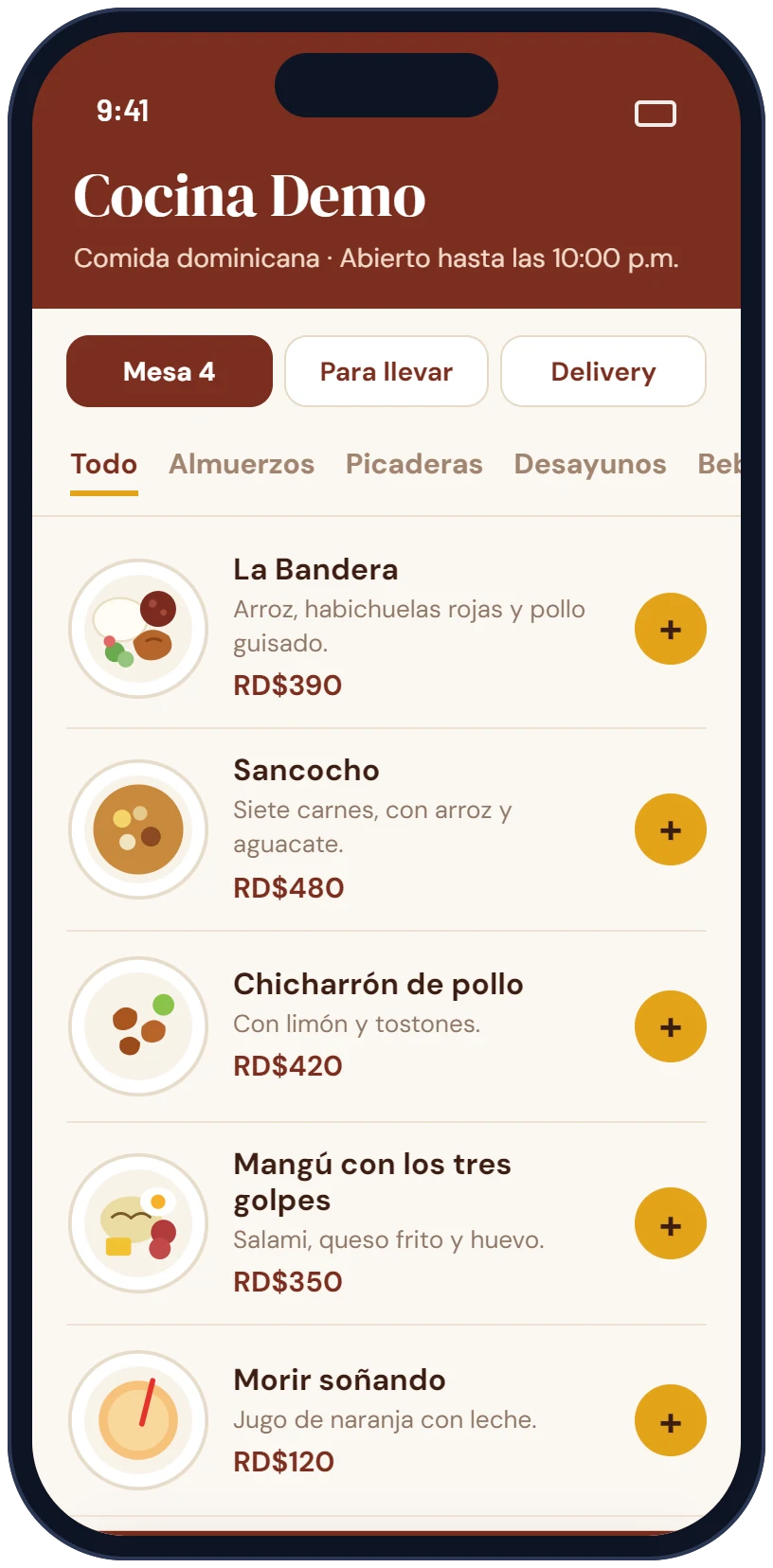
How it works
- The customer scans the QR code on the table, at the entrance or on your social media.
- The menu opens in the phone’s browser, organized by category.
- They pick dishes, sizes and sides, and can order at the table, for takeout or for delivery.
- The order reaches you on WhatsApp with the dishes, options and total.
Why more and more restaurants use it
- You change a price or mark a dish as sold out in seconds, without reprinting the menu.
- Photos sell: customers see the dish before ordering.
- You receive takeout and delivery orders without paying an app a commission on each one.
- The same menu works on your tables, Instagram, Google and WhatsApp.
What you need to set it up
- Your list of dishes with prices, grouped by category.
- Photos of the dishes (if you do not have them, you can start without photos and add them later).
- Your logo, opening hours and the WhatsApp number where you want to receive orders.
- The options for each dish: sizes, sides and add-ons.
Common mistakes
- Linking the QR code to a PDF of the printed menu. On a phone people have to zoom and scroll, and nobody orders that way.
- A QR code that opens a slow page or one that does not look right on a phone.
- Leaving old prices. If the printed menu changes, update the digital one too, or better, use only the digital one.
- QR codes that are too small or placed in poorly lit spots.
What it costs with APO-X
The digital menu with ordering has a setup fee from US$199 and a monthly plan from US$100, including the menu, print-ready QR codes, the dashboard to change dishes and prices, hosting and support. Try a sample in QR code digital menus.
Want help with this?We will reply within one business day with a proposal and a free mockup.